
Get Your API Key
Your API key is required to authenticate requests to TheQuickAssist API. Keep it secure and never share it publicly.
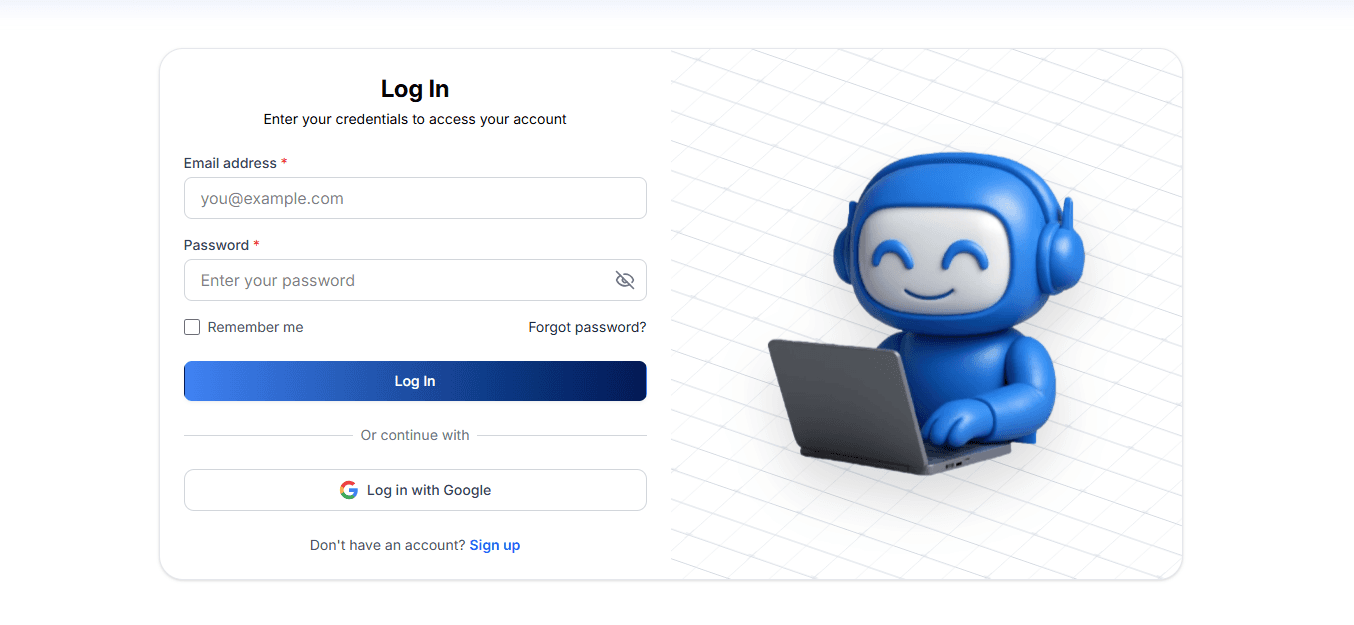
2. Navigate to API Integration
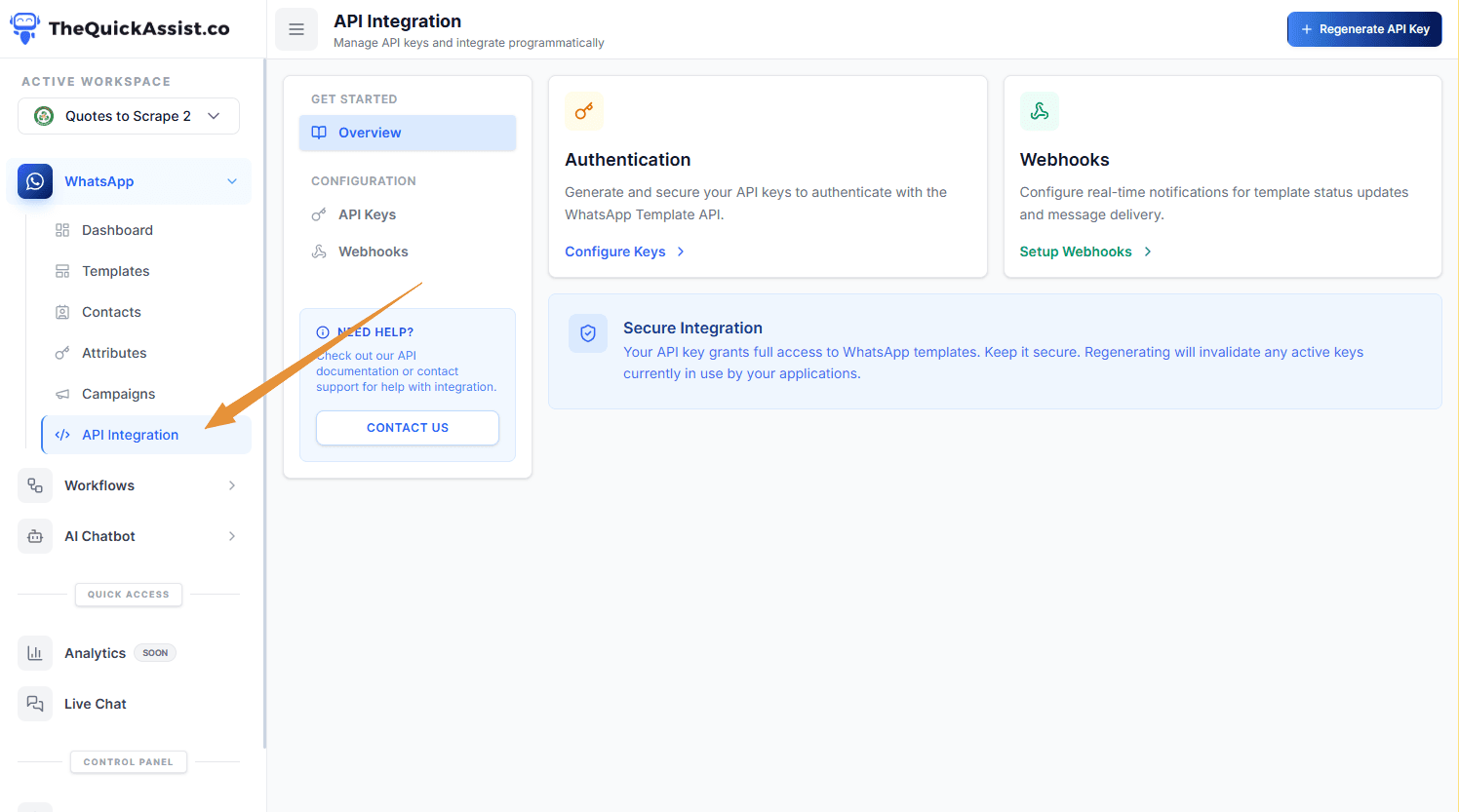
Once logged in, navigate to the API Integration tab in your dashboard sidebar.
3. Generate Your API Key
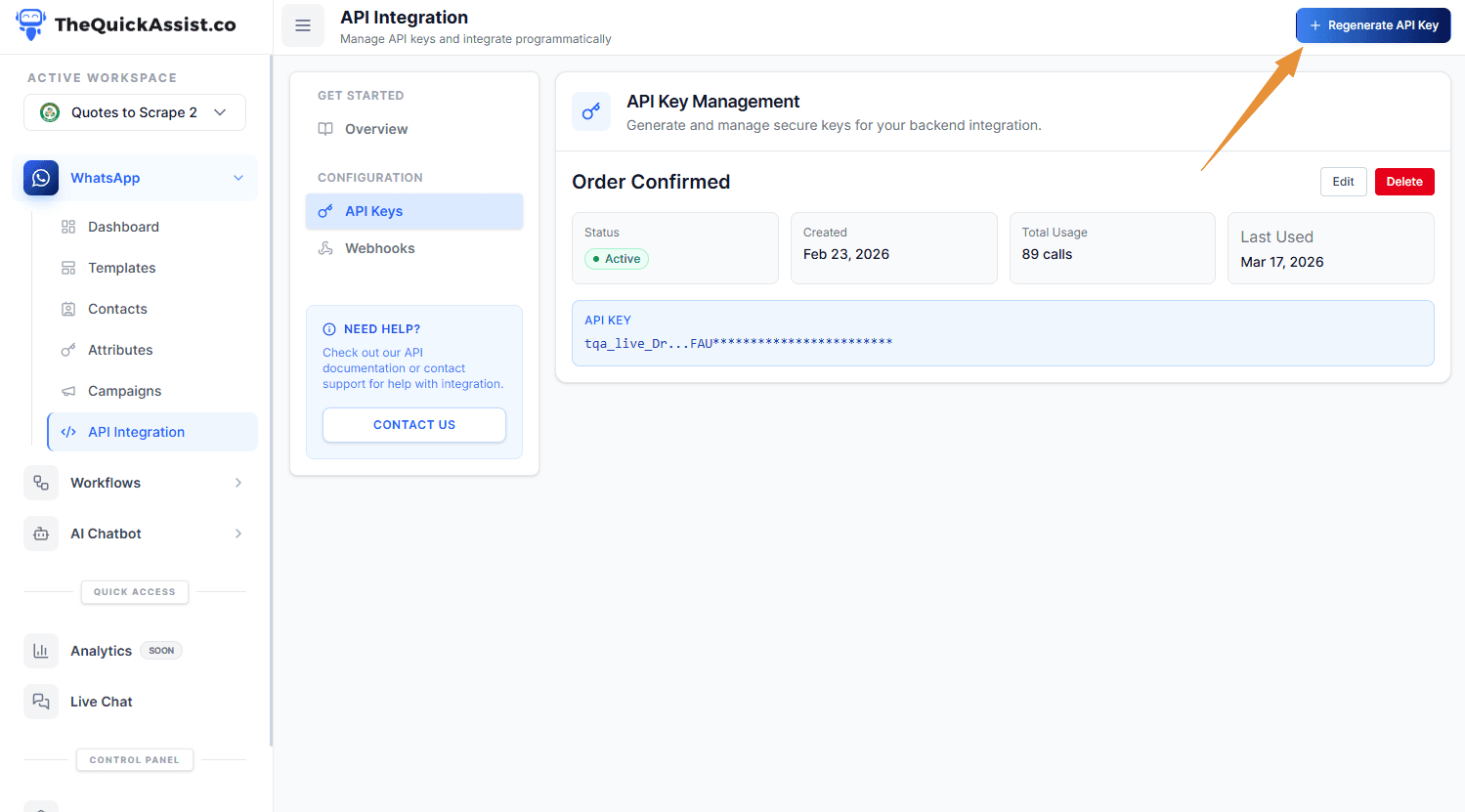
Click "Generate New API Key"and give it a descriptive name. Copy your API key immediately — for security reasons, it won't be shown again.
Security Best Practices
- Never commit API keys to public repositories
- Use environment variables to store keys
- Rotate keys regularly (recommended every 90 days)
- Use separate keys for development and production