
Where Salons Lose Appointments
Empty Chairs from No-Shows
No-shows and last-minute cancellations leave gaps in your appointment book that are nearly impossible to fill without a system that automatically sends reminders and collects confirmations in advance.





How TheQuickAssistSolves This
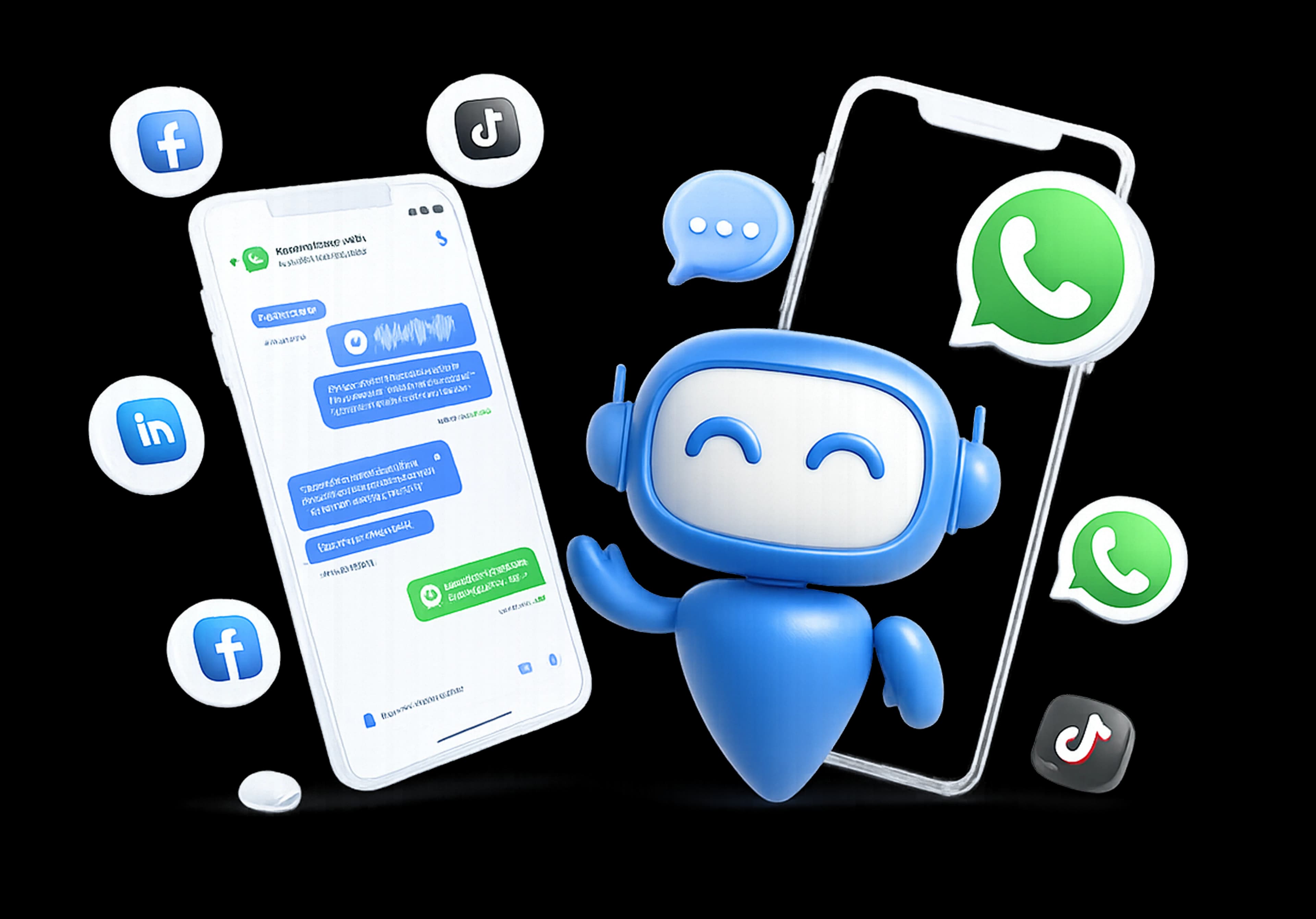
Your clients are already on WhatsApp — messaging friends, checking updates, making plans. TheQuickAssist connects your salon to WhatsApp Business API, giving you the automation tools to manage bookings, send reminders, promote offers, and build client loyalty — all through the channel your clients already prefer for communication.
24/7 Appointment Booking
Let clients book their salon appointment directly on WhatsApp at any time of day or night. Your WhatsApp appointment booking flow asks for their preferred service, stylist, date, and time — confirms availability, sends a booking confirmation, and adds a reminder to follow up automatically. No calls during busy hours. No missed DMs. No double bookings. Every appointment captured and confirmed.
Automated Appointment Reminders
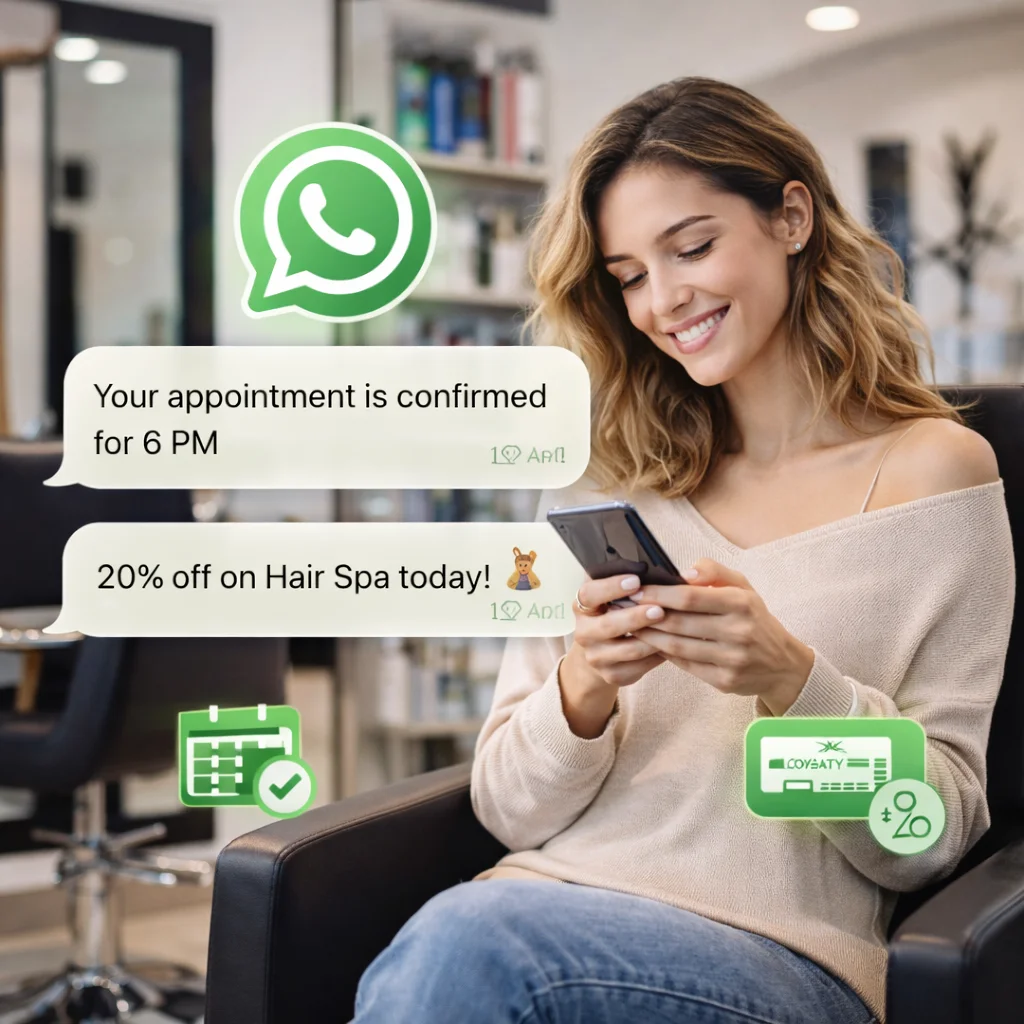
Send automatic WhatsApp reminders for salon appointments — 24 hours before and 2 hours before the scheduled time. Each reminder is personalised with the client's name, service booked, stylist, and time. Clients confirm with a single tap. Last-minute cancellations free up the slot for a waiting client, and your team stops chasing confirmations over phone calls. No-show rates drop significantly from the first week.
Client Re-Engagement
Automatically identify clients who haven't visited in 30, 60, or 90 days and send them a personalised re-engagement message — a special offer, a new seasonal service announcement, or a simple "we miss you" note with a booking link. Salon client re-engagement on WhatsApp converts at significantly higher rates than email because it lands in a personal, trusted channel your clients check every day.
Loyalty Offers on WhatsApp
Send personalised salon loyalty offers on WhatsApp to your most frequent visitors — a complimentary treatment after 5 visits, a birthday discount, a referral reward, or an early-access offer for a new service. Each message is tailored with the client's name and visit history. Your most loyal clients feel valued and are more likely to refer friends — turning your best customers into your most effective marketing channel.

Automated Feedback & Reviews
Within 2 hours of a client's appointment, TheQuickAssist sends a personalised thank-you message asking for their feedback and a review link. Sent at the right moment — when the experience is fresh and the client is happy — these WhatsApp feedback requests generate 3x more reviews than asking in-salon or following up by email. Your Google and Justdial ratings improve, and new clients find you more easily.
Promotional Broadcast Campaigns
Launching a new hair treatment, a festive offer, or a refer-a-friend campaign? Send a broadcast message directly to your entire client database on WhatsApp — reaching every client who has ever visited your salon with a 98% open rate. Compared to Instagram posts that reach 5-10% of your followers, WhatsApp broadcasts reach 98% of your contacts. The same promotional message delivers dramatically better results.
Shared Team Inbox
Every WhatsApp message — appointment request, service query, rescheduling request, or product enquiry — lands in one shared inbox your entire front desk team can manage. No more messages going to individual stylist numbers that get missed or mixed with personal conversations. Every client query is seen, assigned, and responded to from one professional platform.
How Salons Use TheQuickAssist
Salons use TheQuickAssist to manage bookings, send reminders, and re-engage clients automatically. Appointment confirmations, follow-ups, and promotions run on WhatsApp without manual effort. The result is fewer no-shows, more repeat visits, and a consistently full appointment schedule.
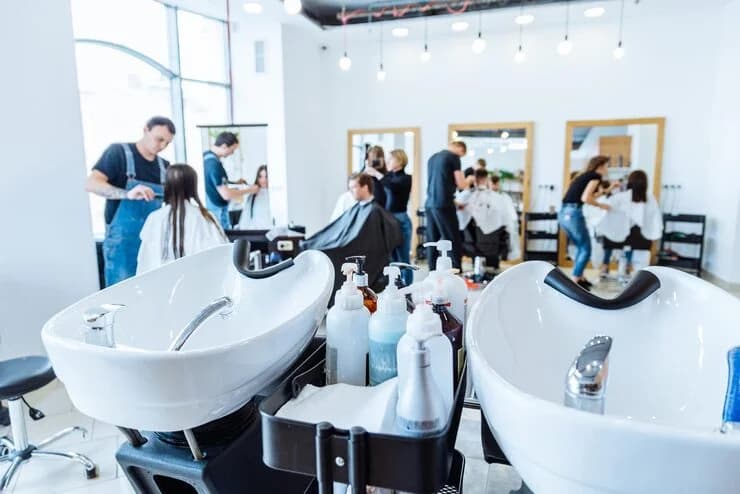
Salons automate booking confirmations and reminders for every appointment. Clients show up on time or reschedule easily. This reduces no-shows and keeps schedules full.
How It Works
Get Started in 3 Simple Steps
Connect Your Salon WhatsApp Number
Scan your WhatsApp QR code to link your salon's WhatsApp Business number to TheQuickAssist in under 60 seconds. Your front desk team and all your stylists get access from one shared platform — no more bookings going to personal numbers.
Set Up Your Booking Flows and Templates
Use TheQuickAssist's visual flow builder to create your appointment booking flow, reminder sequence, post-visit feedback request, loyalty offer broadcast, and re-engagement campaign. Pre-built salon and beauty business templates are available — customise them with your salon name, services, stylist names, and brand tone in minutes.
Share Your WhatsApp Link and Go Live
Add your WhatsApp booking link to your Instagram bio, Google Business profile, website, and any QR codes at your reception desk. From this point, every new client gets an instant response, every booked appointment gets a confirmation and a reminder, every visit generates a feedback request, and every lapsed client gets a re-engagement offer — automatically.
"Managing client messages is now much easier. Everything is organised, and our team responds faster without confusion."
Results You Can Expect
Salons and beauty businesses that move their appointment communication to WhatsApp CRM consistently see fewer no-shows, fuller appointment books, more online reviews, and clients who return more often — without their team spending more time on admin or client communication.
Frequently Asked Questions
Everything you need to know about deploying AI agents and automating your workflows.
Fill More Chairs. Bring Clients Back. Start Today.
In real estate, speed and follow-up win deals. TheQuickAssist gives your team the instant response, automated qualification, and consistent follow-up that turns more enquiries into site visits and more site visits into signed agreements. Setup takes under 5 minutes. No credit card required.
No credit card required • Meta Approved • Setup in under 5 minutes